Bingo on an LED board or LED wall
LED boards are the brightest, most readable bingo displays there are, and Bingo Marquee is built for them. Set the screen to your board's exact pixel size and it draws the bingo board right to the edges, pixel for pixel, with LED-style themes that look like a classic flashboard.
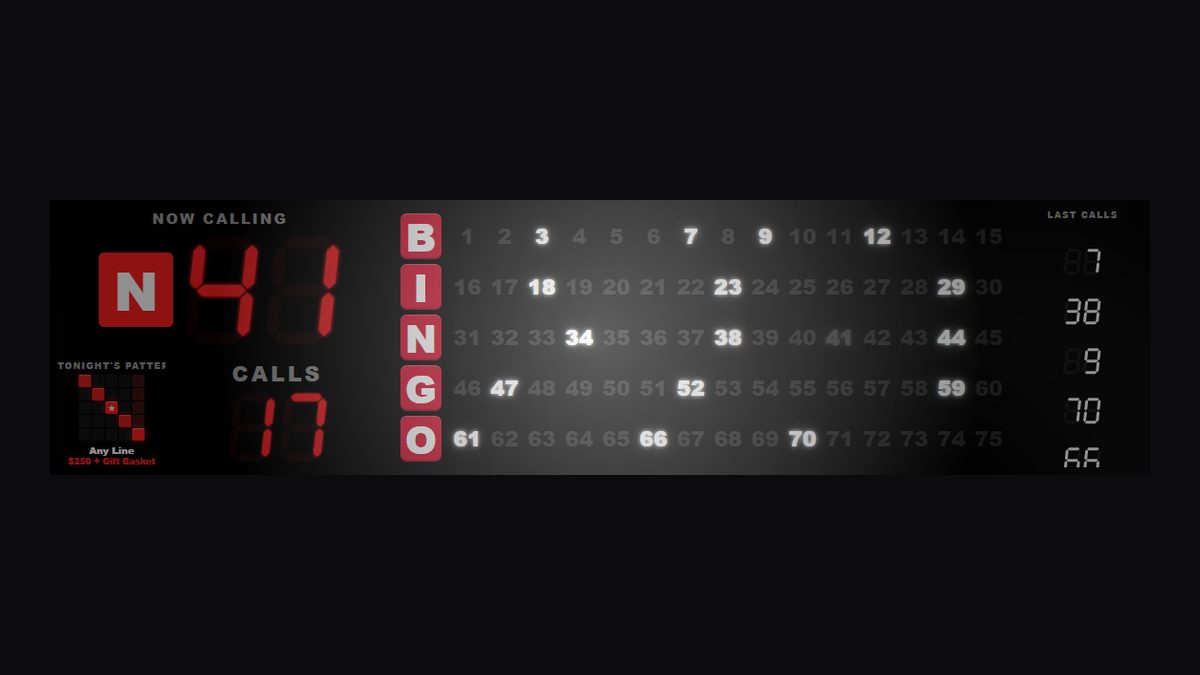
How LED boards connect
Most LED boards and LED walls are driven by a sending card (NovaStar, Colorlight, Linsn and others) that plugs into the PC's HDMI or DVI port. The PC sees it as a monitor. Bingo Marquee then places the bingo board at the exact spot and size your LED controller shows.
- Plug the sending card into the PC and set Windows to Extend.
- In Bingo Marquee, add a screen, choose LED board and enter the board's size in pixels (for example 768 × 192) and where it starts on the signal.
- Set the LED controller to show that part of the signal 1:1, with no scaling. Every pixel lines up, so digits are sharp, not blurry.
The LED board setup guide walks through it step by step.
Made for LED
- LED Matrix, Bingo Hall and other themes with segment and dot-matrix digits
- Layouts that fit wide strips, tall boards and tiny signs (even 192 × 96)
- Run an LED board and TVs from the same PC, each with its own layout
Questions
Does it replace our old flashboard controller?
If your board takes an HDMI or DVI signal through a sending card, Bingo Marquee can drive it. If your board only works with its original wired controller, ask us first: devilmountaindigital@gmail.com.
Our LED wall is huge. Will it keep up?
Yes. The display is drawn by the PC's graphics card at the board's own size, and one PC can run several outputs at once.
Try it free for 14 days Buy it for $349
One payment, no subscription. Windows 10 and 11. Works on two PCs.